
Lab Chiller Data Logging Starts With the Record You Need
Lab chiller data logging should capture the temperature that matters to the experiment, together with enough timing and operating context to interpret it. Built-in software can be convenient when the ordered controller actually exports the required channels. An external logger can measure independently, but its probe, location and recording settings need their own specification. A temperature display alone establishes neither capability.
For a laboratory choosing a RIGID MiniCool, separate the cooling requirement from the evidence requirement. The chiller must remove the load at the intended negative temperature; the recording system must preserve a useful history of the relevant measurement. Purchasing one does not automatically purchase the other. Decide what the final file must answer before comparing software screenshots or adding a logger to the equipment list.
Choose Between a Controller Record and an Independent Measurement
A controller-based record normally starts with values available inside that controller. Depending on the supplied configuration, these might include an indicated temperature, a requested setpoint or a device state. Request a channel list identifying each value and its origin. A setpoint is a command, while a measured temperature is a response. Similar-looking columns cannot be treated as interchangeable evidence.
An external logger begins with its own input and measurement chain. It may help record a location that the chiller controller does not measure, such as the instrument inlet or a permitted point near the load. That advantage depends on selecting the right probe and installation. Attaching a surface probe to an insulated hose does not automatically establish the temperature of the flowing liquid inside it.
Choose the route from the required measurement. If controller indication is sufficient, an approved controller export may be the simplest approach. If the experiment needs an independent process measurement, buying export software alone will not create that measurement. Some applications benefit from both, with their relationship documented rather than assumed.
| Question | Built-in recording route | External logger route |
|---|---|---|
| What is being measured? | Identify the controller channel and its sensor location. | Identify the separate probe, input and installed location. |
| What can be recorded? | Confirm the actual exported fields and supported configuration. | Confirm the configured inputs and any separate event channels. |
| What happens if the host stops? | Check whether recording depends on a running computer or connection. | Check local memory, power and recovery behavior. |
| What establishes suitability? | A sample export and a demonstration with the ordered controller. | Probe and logger specifications plus an installed measurement check. |
Define Every Channel Before Specifying the File Format
Begin a channel list with the question each field will answer. Supply temperature can describe what leaves the chiller. Return temperature describes a different point. A sample probe, where permitted by the instrument design, addresses another question again. Labeling all three simply as temperature makes later interpretation harder, especially when a sensor is moved between runs.
For each channel, retain its identifier, units, physical location and measurement source. Include the complete instrument identity where a logger converts a probe signal into temperature. If software applies a user offset or conversion, preserve that setting with the run record. A polished graph does not explain an undocumented correction.
Probe selection and placement deserve their own review; the existing guide to chiller-loop temperature measurement addresses that part of the task. Here, the goal is to make the saved channel traceable to the installed measurement without turning the logging specification into another sensor comparison.
Specify Time Resolution Around the Events You Want to See
The recording interval should resolve the process change being investigated. A long interval may describe a lengthy steady hold while missing a short excursion during a load change. An unnecessarily short interval can create large files without improving the response of a slow probe. Review sensor response, acquisition behavior and the event duration together.
Distinguish the interval at which the input is acquired from the interval at which a value is written. Software may save individual readings, an average or another summary. Those options produce different records. Ask which operation generates each saved value, and retain that configuration rather than describing the file only by its nominal sampling interval.
Use a common time basis when combining records. A logger file and an instrument event file are difficult to compare if their clocks disagree. Record the clock reference, time zone and synchronization approach appropriate to the laboratory. Check whether a restart changes the time or creates a new session. Do not infer accurate event alignment merely because both files display seconds.
Check Whether Alarms Are Actually Saved
A live status panel may show information that never reaches the exported file. Treat numerical channels, displayed device states and recorded events as separate lists. Ask specifically whether alarms are written, how they are identified, and whether both their onset and clearance are retained. If the export omits them, decide how the run will preserve the missing context.
A temperature trace can show that a measured point warmed, but it may not establish why. Loss of circulation, a disconnected data link and a deliberately changed setpoint are different events. Add relevant information through documented channels or a separate event record where available. Avoid interpreting a blank status field as proof that no alarm occurred.
For a simple laboratory workflow, a dated operator note may provide useful context. More demanding applications may require an automatic event channel or another controlled record. Define the requirement from the work being performed; neither a basic logger nor a chiller screen automatically supplies a complete compliance system.
Make Data Gaps Visible Instead of Joining Across Them
Lab chiller data logging needs a stated response to interrupted power, a stopped computer, a loose connection or full storage. Establish which device continues measuring, which device retains data, and what returns after recovery. Local buffering and automatic resumption should be confirmed for the supplied equipment rather than inferred from a network connector.
A recovered graph should distinguish missing observations from recorded values. A straight line drawn across a disconnected period can make the chart look continuous while the underlying record contains no measurements. Preserve the original timestamps and any gap or quality flags. If a reporting tool interpolates values, keep that presentation separate from the original file.
Do not overwrite an unresolved gap with an assumption. Record what was lost and the relevant device state. Any decision about the affected experiment belongs to its approved procedure. The logger’s job is to retain evidence, not silently decide that the unobserved period was acceptable.
Keep Lab Chiller Data Logging Separate From Temperature Control
An independent recorder does not necessarily control the chiller. A probe can be suitable for observing the load while having no approved connection to the cooling controller. Conversely, a controller may regulate its internal sensor without recording an independent load measurement. Identify the control path and observation path separately on the equipment list.
Moving a logger probe should not be described as changing the controlled temperature unless the actual controller arrangement supports that relationship. Likewise, an exported setpoint cannot prove the sample reached it. Evaluate the temperature difference between the required measurement location and the controlled location during the relevant operating states.
If the application needs an external control probe, treat that as a distinct product requirement. Do not purchase a logger expecting it to add an undocumented remote-control function to MiniCool. Keeping these responsibilities clear prevents a recording accessory from becoming an unintended change to the experiment’s control system.
Place MiniCool at Its Published Cooling and Interface Scope
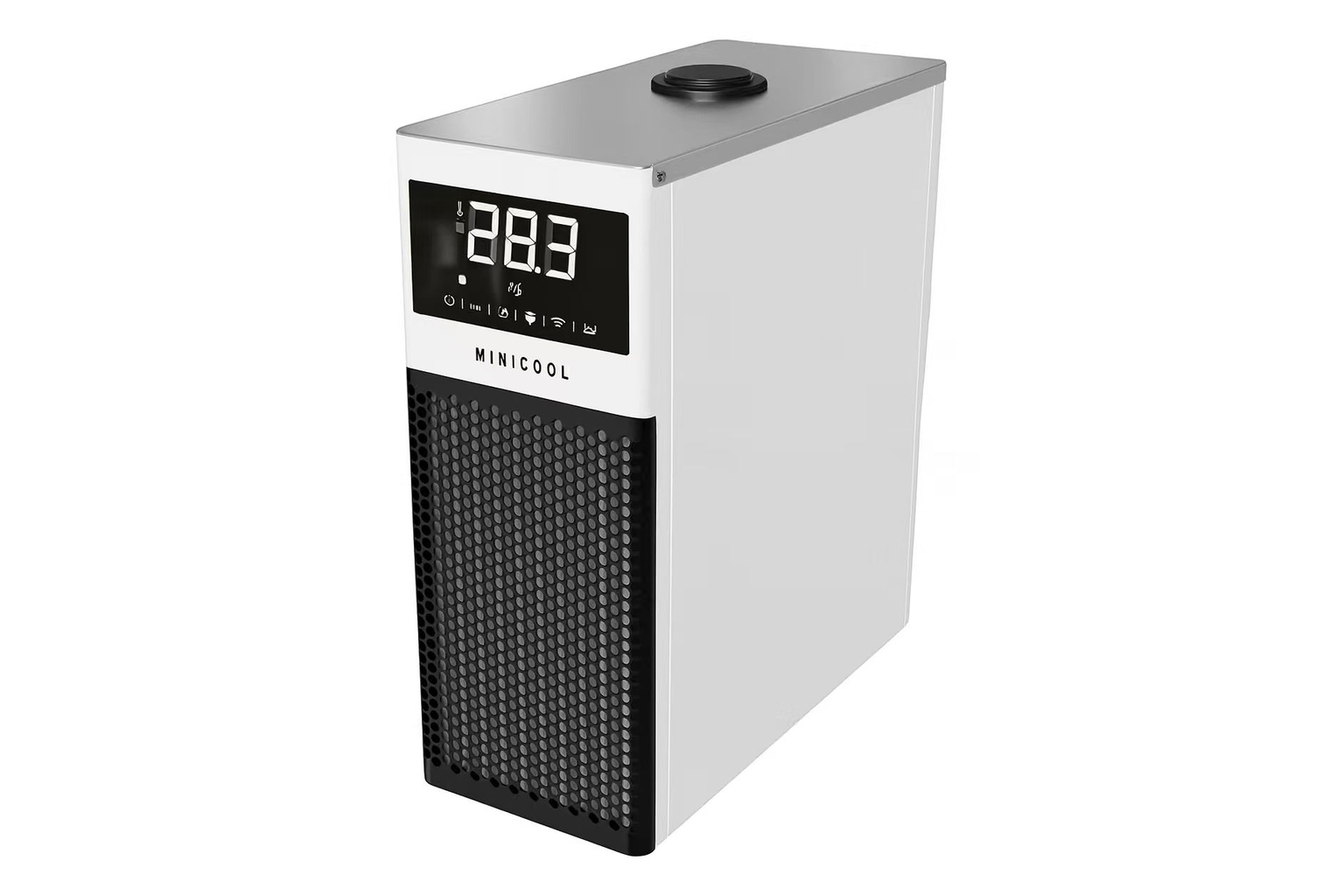
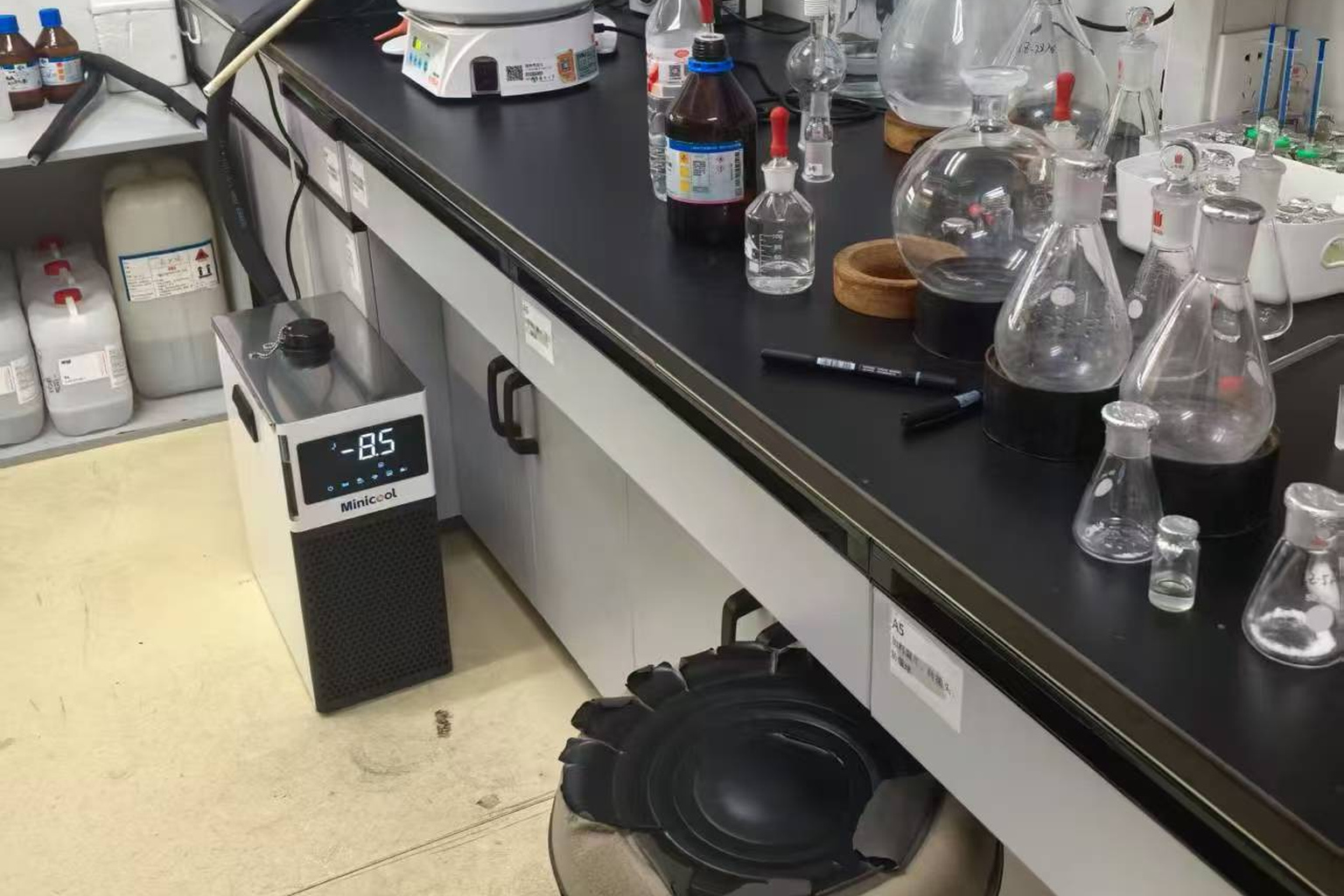
RIGID publishes a temperature range of −40°C to 0°C for MiniCool. A lab chiller data logging specification can accompany a selection within that range, but logging does not extend the cooling range or establish available capacity at the coldest condition. Choose the required cooling duty separately from the number of recorded channels.
The MiniCool product family includes published nominal capacity options. Their figures should not be converted into guaranteed capacity at a particular negative setpoint without the applicable performance information. Similarly, the published stability statement does not define the accuracy of a separate logger, sample location or complete installed measurement chain.
Built-in logging, export formats, communication details and supported external interfaces have not been established here for the ordered MiniCool configuration. Request current documentation if one of these is necessary. An independent recording approach remains a separate selection, with its own compatible probe and installation requirements.
Ask for an Export That Another Person Can Interpret
A useful delivery example includes the original data file, the configuration used to create it and a brief channel description. Confirm the meaning of missing values, decimal formatting and units. If a spreadsheet or plotting application imports the file, check that it retains the original timestamps and does not reinterpret the column separators or number format.
Keep the run identifier associated with the equipment identity and configuration revision. This matters when the same laboratory computer collects data from several setups. A filename chosen manually at the end of the day is a weak substitute for a consistent association established when recording starts.
Preserve the original file before analysis. Derived charts and summaries can then be recreated without losing the observations behind them. Where access control or audit trails are required, assess those functions explicitly. The existence of a CSV file does not establish either feature.
Verify the Recording Route During a Representative Run
Acceptance should demonstrate the complete route from the installed measurement to the retained record. Confirm the expected channel names, timestamps and units while the cooling system is operating. Include a representative load change within the equipment’s permitted conditions so the comparison is more useful than an empty-reservoir screenshot.
Review an ordinary recording start and stop, and check the documented recovery behavior using an approved test plan. Evaluate whether a new file, gap or clock change is clearly identifiable. Deliberately interrupting cooling during a sensitive experiment is unnecessary; arrange any fault or interruption checks on a suitable test setup.
A chiller calibration certificate addresses a different part of the evidence. It can support the measurements and conditions actually covered, but it cannot demonstrate that software retained a particular run. Both records should have a clear purpose in the equipment handover.
Send RIGID the negative-temperature duty, required measurement locations and the desired example record when discussing MiniCool. Request a configuration review that distinguishes the cooling equipment from the recording functions to be supplied or selected separately.
Frequently Asked Questions
Does MiniCool include built-in data logging?
Built-in recording and export capabilities have not been verified for the ordered configuration. Request its current controller documentation and a sample file. Do not infer logging from a digital display or from features offered by another chiller family.
Can an external logger prove sample temperature?
Only when the complete measurement arrangement is appropriate to that location and task. The logger specification alone does not establish probe contact, response, position or the temperature relationship between coolant and sample.
Should lab chiller data logging save alarms as well as temperature?
Save the events needed to interpret the experiment. Confirm which alarms are actually exported; a live display may contain information absent from the file. Define a separate event record if necessary rather than assuming a complete alarm history exists.
Does a calibration certificate verify the saved data file?
No. Calibration evidence relates to the stated measurement object and conditions. File completeness, timestamps, channel mapping and interruption behavior require checks of the recording route itself.
Can one recording interval serve every experiment?
There is no universal interval. Select it from the event duration, sensor response and required evidence. Verify whether the software saves individual acquisitions or a summary, and retain that setting with the record.